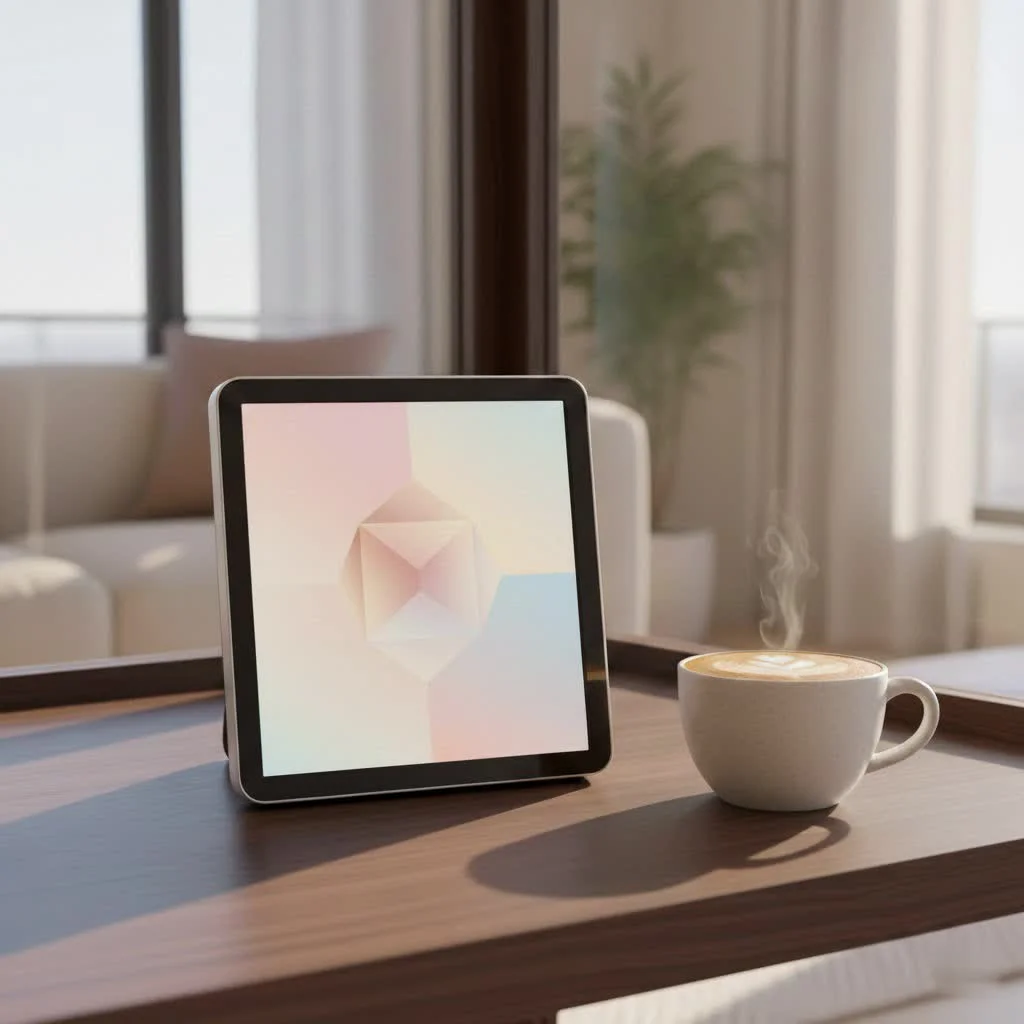
Touch screen digital picture frames offer an intuitive and dynamic way to display cherished memories, making them ideal for users of all ages, including seniors. These frames typically feature high-resolution displays, seamless Wi-Fi connectivity, and user-friendly interfaces, allowing for easy photo and video uploads from various sources like cloud services or companion apps. Their interactive nature enhances the viewing experience, transforming static images into a lively, ever-changing gallery.
Why Embrace a Touch Screen Digital Picture Frame?
- Beyond the Basics: Intuitive Interaction: Touch screen frames provide a modern, interactive experience, allowing users to swipe through photos, zoom in, and access settings directly on the screen.
- Benefits for Every User: From Grandparents to Globe-Trotters: Their ease of use makes them perfect for seniors, while cloud integration allows globe-trotters to share new photos instantly with family.
Key Features That Define a Superior Touch Screen Digital Picture Frame
Stunning Visuals: Screen Size, Resolution, and Display Technology
- Finding Your Sweet Spot: Ideal Screen Sizes: Common and popular screen sizes include 10.1-inch models, offering a good balance between display area and physical footprint.
- The Clarity You Deserve: Understanding Resolution: Look for resolutions like 1280×800 pixels or Full HD (1920×1080) for crisp images. IPS (In-Plane Switching) display technology ensures wide viewing angles and accurate colors.
Seamless Connectivity: Wi-Fi, Cloud Integration, and App Control
Modern frames offer Wi-Fi for easy photo uploads, often integrating with cloud services like Google Photos or Dropbox, and providing companion apps for remote management. For see our digital photo recommendations on this site.
Ample Space: Internal Storage and External Media Options
Most frames come with built-in internal storage, typically ranging from 8GB to 32GB, and often support external media like SD cards or USB drives for expanded capacity.
Smart Automation: Auto-Rotate and Motion Sensors
Features like auto-rotate automatically adjust photo orientation, while motion sensors can turn the frame on/off when someone enters/leaves a room, saving energy.
The User Experience: Responsive Touch and Intuitive Menus
A responsive touch screen and well-designed, intuitive menus are crucial for a smooth and enjoyable user experience, making navigation effortless.
Aesthetics That Matter: Design and Build Quality
|
Our Picks for the Best Digital Frame in 2026
As an Amazon Associate I earn from qualifying purchases.
|
||
| Num | Product | Action |
|---|---|---|
| 1 | Digital Picture Frame - 10.1\" HD Display AI Magic Frame, Touch Screen Digital Photo Frame with Easy Setup, Unlimited Cloud Storage, Gifts for Parents and Grandparents |

|
| 2 | BIGASUO Digital Picture Frame, 10.1\" Frameo Digital Frame WiFi with 32GB Memory, 1280x800 IPS Touch Screen, Send Photos/Videos from Your Phone Anywhere, Photo Gifts for Parents and Grandparents |
|
| 3 | Digital Picture Frame, 10.1\'\' Frameo Digital Frame Wifi, 32GB Memory, 1280*800 HD Touch Screen Digital Photo Frame, Wall Mountable, Auto-Rotate, Share Instantly, Wedding, Birthday Gifts for Women, Mom |
|
| 4 | 32GB FRAMEO 10.1 Inch Smart WiFi Digital Photo Frame 1280x800 IPS LCD Touch Screen, Auto-Rotate Portrait and Landscape, Built in 32GB Memory, Share Moments Instantly via Frameo App from Anywhere |
|
| 5 | Dragon Touch 10.1\'\' WIFI Digital Picture Frame - 1280*800 HD IPS Touch Screen Digital Photo Frame Display, Auto-Rotate, Share Photos/Videos Instantly via Free App Best Gifts for Birthday, Wedding, Mom |
|
| 6 | Digital Picture Frame, 15.6 Inch Large Frameo Digital Photo Frame WiFi, 32GB, 1920 * 1080 IPS HD Touch Screen, Tabletop&Wall-Mounted, Share Picture Video, Birthday, Wedding, for Mom |
|
| 7 | Dragon Touch 10.1\'\' WIFI Digital Picture Frame - 1280*800 HD IPS Touch Screen Digital Photo Frame Display, Auto-Rotate, Share Photos/Videos Instantly via Free App Best Gifts for Birthday, Wedding, Mom |
|
| 8 | Skylight Frame – WiFi Digital Picture Frame Customer Support, Touch Screen Digital Photo Frame with Easy Setup, Photo Gifts for Parents and Grandparents - 10 Inch Black |
|
| 9 | Frameo 10.1 Inch WiFi Digital Picture Frame with 32GB Storage,1280 * 800P IPS HD Touch Screen,Send Photos/Videos from Your Phone Anywhere, Photo Gifts for Parents and Grandparents |
|
| 10 | Cordless Digital Photo Frame, 13.3 Inch ePaper Display, Tap-to-Print Technology, Wall Art Frame for Any Place and Everyone |
|
The frame’s design and build quality contribute to its integration into your home decor, with options ranging from sleek modern to classic wood finishes.
Setting Up Your Touch Screen Digital Picture Frame: A Breeze
- Unboxing and Initial Power-Up: Simply remove the frame from its packaging, plug it in, and follow the on-screen prompts to begin the setup process.
- Connecting to Your World: Wi-Fi and App Pairing: Connect the frame to your home Wi-Fi network and download the manufacturer’s companion app to pair your device for remote control and photo uploads.
- Curating Your Collection: Uploading Photos and Videos: Use the app, cloud services, or a USB drive/SD card to upload your favorite photos and videos, organizing them into albums or playlists.
Troubleshooting Common Issues with Your Digital Frame
- “My Frame Won’t Connect to Wi-Fi!”: Ensure your Wi-Fi password is correct and the frame is within range of your router. Restarting both the frame and router can often resolve connectivity issues.
- “Photos Look Cropped or Stretched!”: This usually happens when the photo’s aspect ratio doesn’t match the frame’s screen. Adjust photo settings within the frame’s menu or use the companion app to fit or fill the screen.
- “The Screen Isn’t Responsive.”: Try restarting the frame. If the issue persists, ensure the screen is clean and free of debris. Some frames may have a calibration option in their settings.
Elevating Your Experience: Apps and Software for Content Management
- The Power of Companion Apps: Dedicated apps allow you to manage photos, adjust settings, and even send new content to your frame from anywhere in the world.
- Cloud Services: Your Infinite Photo Album: Integrating with cloud storage like Google Photos or Dropbox provides virtually unlimited space for your memories, accessible directly from your frame.
Expert Insights on Digital Frame Innovation
- Dr. Evelyn Reed’s Perspective: Dr. Evelyn Reed, a leading expert in digital display technology, emphasizes that advancements in touch screen responsiveness and cloud integration are making digital frames more accessible and versatile than ever before.
Frequently Asked Questions About Touch Screen Digital Picture Frames
- Q: Are touch screen digital picture frames hard to use for seniors?
- Q: What’s the best screen resolution for a touch screen digital picture frame?
- Q: Can I send photos to my touch screen digital picture frame from anywhere?
- Q: Do touch screen digital picture frames require a subscription?
- Q: How do I keep my touch screen digital picture frame clean?
Conclusion: Touch screen digital picture frames offer an unparalleled way to display and share your most treasured memories. With their intuitive interfaces, stunning displays, and smart features, they are a valuable addition to any home, bringing your photos and videos to life with ease and elegance.
Frequently Asked Questions
Are touch screen digital picture frames hard to use for seniors?
No, touch screen digital picture frames are generally easy for seniors to use due to their intuitive interfaces and direct interaction. Many models feature large icons and simple navigation, making them accessible even for those less familiar with technology. For example, the 10.1-inch frames offer a clear display for easy viewing.
What's the best screen resolution for a touch screen digital picture frame?
The best screen resolution for a touch screen digital picture frame is typically 1280x800 pixels or Full HD (1920x1080). These resolutions ensure crisp, clear images and vibrant colors, especially when combined with IPS display technology for wide viewing angles. A higher resolution significantly enhances the visual quality of your photos and videos.
Can I send photos to my touch screen digital picture frame from anywhere?
Yes, you can send photos to most touch screen digital picture frames from anywhere, provided the frame is connected to Wi-Fi. This is typically done through a companion mobile app or by linking the frame to cloud services like Google Photos or Dropbox. This remote access allows family and friends to share memories instantly.
Do touch screen digital picture frames require a subscription?
Most touch screen digital picture frames do not require a subscription for basic functionality, such as displaying photos from internal storage or a USB drive. However, some brands may offer optional premium cloud storage or advanced features that come with a monthly or annual subscription fee. Always check the product specifications for details.
How do I keep my touch screen digital picture frame clean?
To keep your touch screen digital picture frame clean, gently wipe the screen with a soft, lint-free microfiber cloth. For stubborn smudges, slightly dampen the cloth with water or a screen-safe cleaner, ensuring not to spray directly onto the screen. Avoid harsh chemicals or abrasive materials, which can damage the display.
Set Up Your Touch Screen Digital Picture Frame
Follow these simple steps to unbox, connect, and start displaying your cherished memories on your new touch screen digital picture frame.
Carefully remove your digital picture frame from its packaging. Plug the power adapter into the frame and then into a wall outlet. The frame should power on automatically or have a power button to activate it.
On the frame's touch screen, navigate through the initial setup wizard to connect to your home Wi-Fi network. Download the manufacturer's companion app on your smartphone or tablet and follow the instructions to pair it with your frame.
Once connected, use the companion app, linked cloud services (like Google Photos), or insert a USB drive/SD card into the frame to upload your desired photos and videos. Organize them into albums or set up slideshows to begin enjoying your memories.
Get our weekly buyer guide
Practical specs, not advice. Unsubscribe anytime.

I bought the Aura Carver for my mom, who isn’t super tech-savvy, and she absolutely loves it! The touch screen is so intuitive, and she can easily swipe through all the photos we’ve uploaded from the companion app. It’s been a fantastic way for her to see updated pictures of the grandkids without any hassle. Highly recommend for anyone looking for a user-friendly frame.
I’m really impressed with the interactive nature of these frames. Being able to zoom in on photos directly on the screen is a feature I didn’t know I needed until now. It’s so much better than just static images and really brings our family memories to life. The ability to upload videos too is a huge bonus.
This digital frame has been a game-changer for our living room. The high-resolution display really makes our travel photos pop, and the Wi-Fi connectivity means I can update it from anywhere. My only minor complaint is that the initial setup took a little longer than I expected to get all the cloud services linked up. Once it’s going though, it’s perfect.
I got a Nixplay frame after reading about the seamless Wi-Fi connectivity, and while it mostly works well, I’ve had a few instances where it loses connection and I have to manually reconnect it. It’s not a huge deal, but it can be a bit annoying when I want to quickly add new photos. The picture quality is great when it’s working, though.